
Top Up Credits
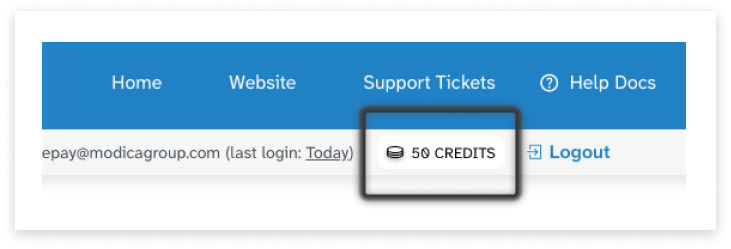
If you are a prepay customer, you will be able to see your total credits at all times in the top-right of the platform:
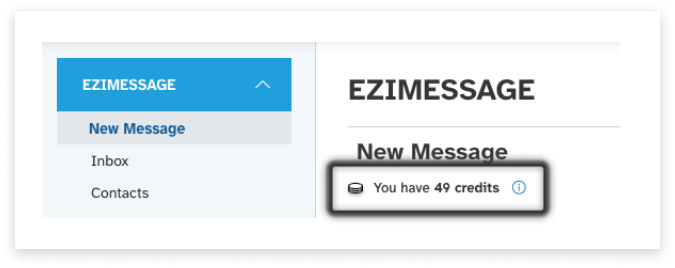
You will also see your total credits at the top of the New Message page if you use Ezimessage:
Topping Up
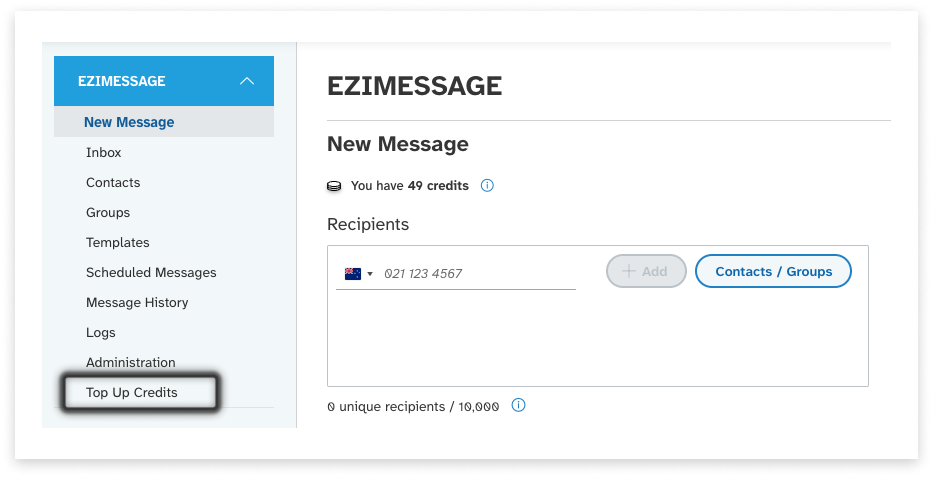
- To top up credits, visit the Top Up Credits area (highlighed on the navigation, below) or click on the number of credits on the top-right corner:
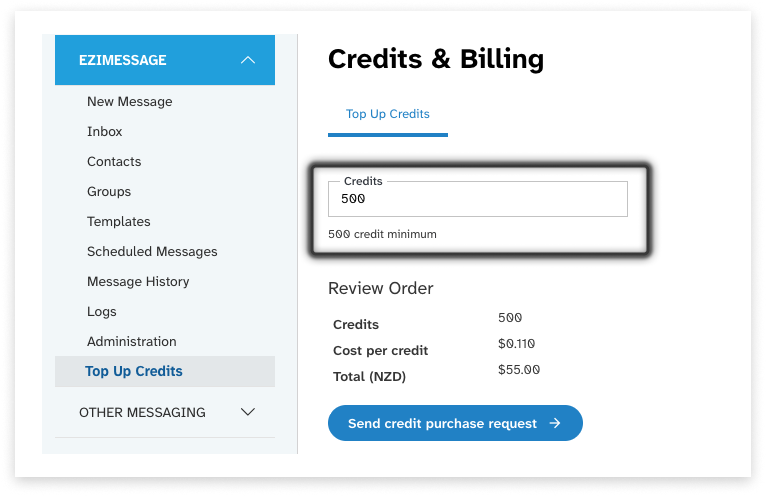
- Select the number of credits to purchase - there is a 500 minimum. If you require a custom amount, please raise a ticket with our support team with this request.
-
You can follow the link to complete a card payment for these credits in Stripe
-
On successful payment, the credits will be automatically added to you account.